
Recommended for this device
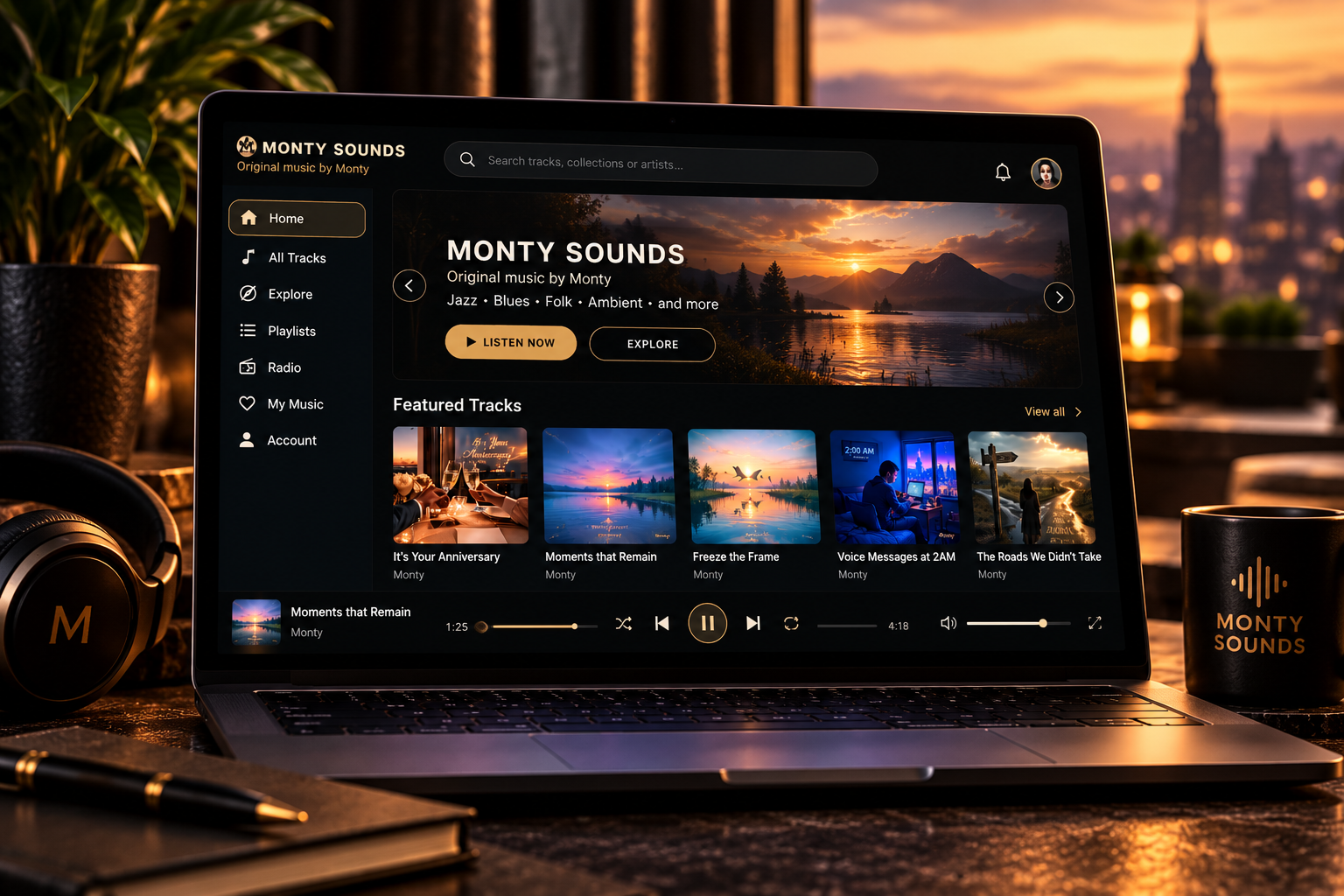
WEB APP · DESKTOP
Put it on my desktop
Install Monty Sounds on your computer for a focused app-style listening experience.
Best on a desktop or laptop.
ONE SERVICE · FOUR DOORS
You can listen without an account. Just choose a door.
Choose the experience that fits what you want to do — and the device in front of you.
NO INSTALL · NO ACCOUNT
ONE ACCOUNT · ALL YOUR DEVICES
Create a Monty Sounds account and your playlists, device access and account features stay connected across your devices.
Install Monty Sounds on your computer for a focused app-style listening experience.
Best on a desktop or laptop.
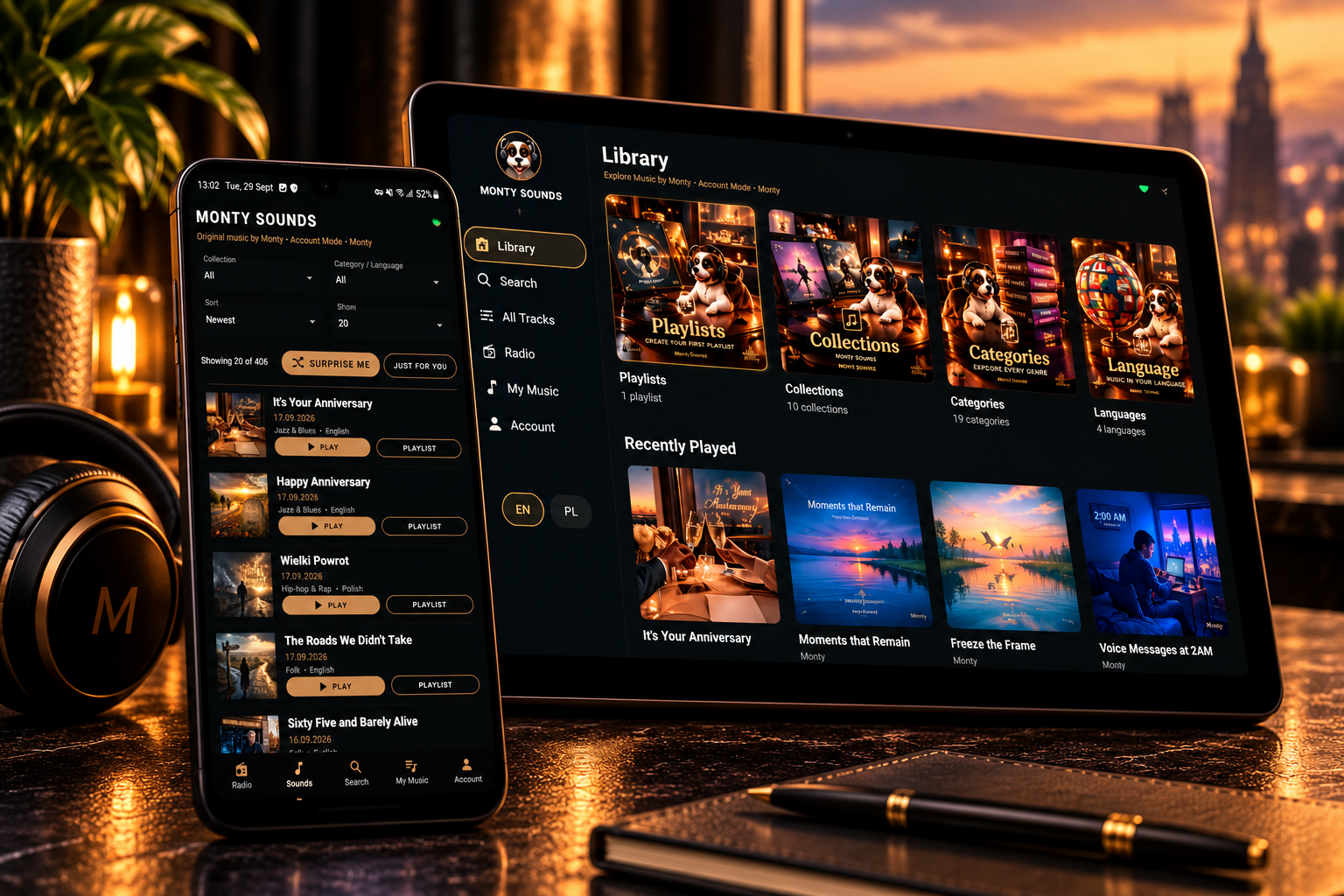
Monty Sounds on your Android phone or tablet, with playlists you can play, shuffle and filter, account sync, a Now Playing bar on every screen and selected tracks available offline.
Version 2.5.0 · Updated 22 October 2026 · Android 8 or later
Already have the app? Download and install over the top — your playlists and offline tracks stay.
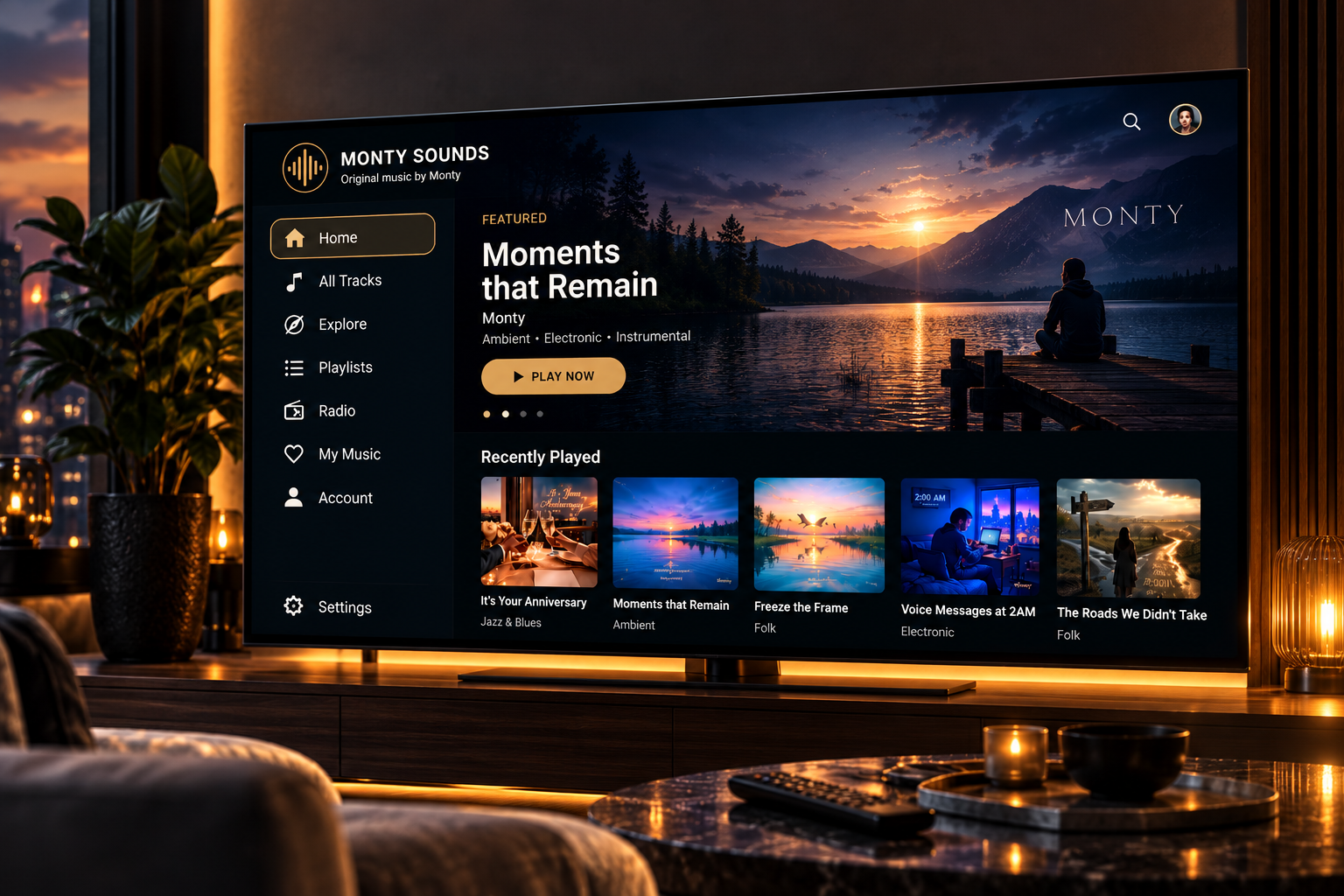
The big screen, the remote in your hand, and Monty Sounds filling the room.
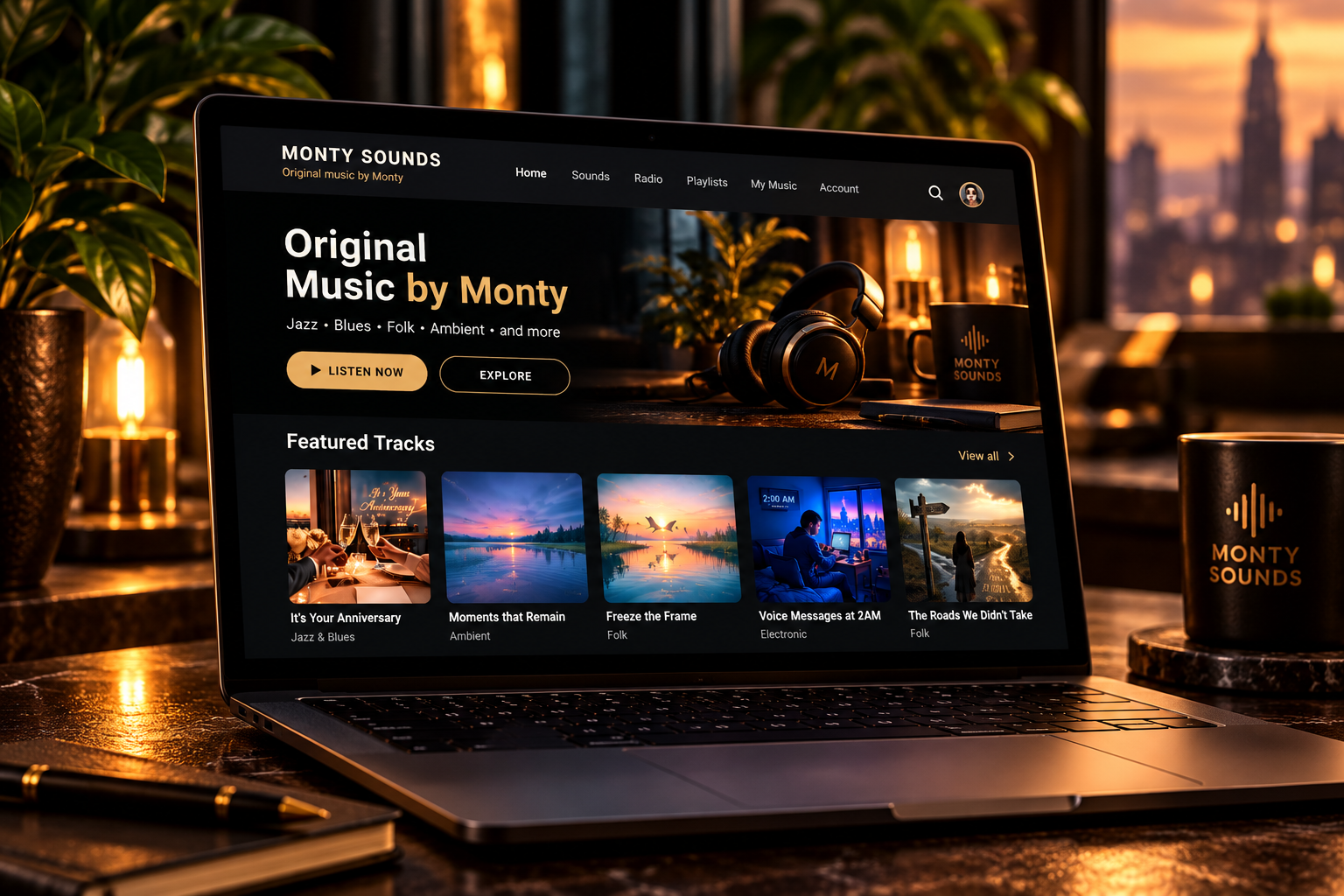
Manage your account, devices, playlists, offline selections, pairing and settings in one place.
NEED HELP?
Installation, troubleshooting, pairing and device-specific guidance live in the Monty Network Help Centre.